

Your Pet as a Sticker, From a Phone Photo.
Your camera roll has hundreds of photos of the dog, and only a handful will make a good sticker. They’re usually not your favourites. The best photo of him is probably the one where he’s asleep in a heap on the sofa, and cut along its outline, a heap stops looking like a dog.
The photos that work tend to be the dull ones, where he’s sitting by the door waiting for a walk, upright and side on. A phone photo is plenty for this. Pick the right one, shrink it on screen to sticker size, and check that it still looks like him.
Picking the photo
Look for a clear shape first. A pet sitting up, or a head-and-shoulders shot, cuts out cleanly. One sprawled across a blanket doesn’t, however cute it looked at the time.
Daylight from a window beats anything indoors at night, and the flash turns your pet’s eyes into two glowing dots. If you’re taking a new photo, get down to their level instead of shooting from above, and tap the screen on their eyes before you take it so they come out sharp.
Your pet should also fill most of the frame. A cat that’s a small shape across the room has to be cropped hard, and hard crops are where blurry stickers come from.
Cutting out the background
A die-cut sticker is cut along your pet’s outline, so whatever is behind them has to go. Your phone can probably handle that already. On recent iPhones you touch and hold your pet in the photo and it lifts off the background, and many Android gallery apps have a similar tool. Save the result as a PNG, which keeps the background transparent.
Zoom in before you upload. These tools sometimes clip an ear or leave a corner of the sofa attached, and whatever they leave gets printed.
Expect the fur to be simplified, too. The cut runs along a smooth line, so single whiskers and stray hairs won’t survive at sticker size. People recognise a pet by its face and its shape anyway, and both of those come through fine.
Very dark and very white pets
A black cat photographed indoors in the evening tends to print as a dark shape with two eyes in it. Your screen is lit from behind, so dark fur looks richer there than it will on the sticker. Take the photo near a window in daylight, and brighten it slightly before you upload.
White pets have the opposite problem. On a white sofa the cut-out tool can’t tell where the dog ends and the cushion begins, so photograph them against something darker.
Size and finish
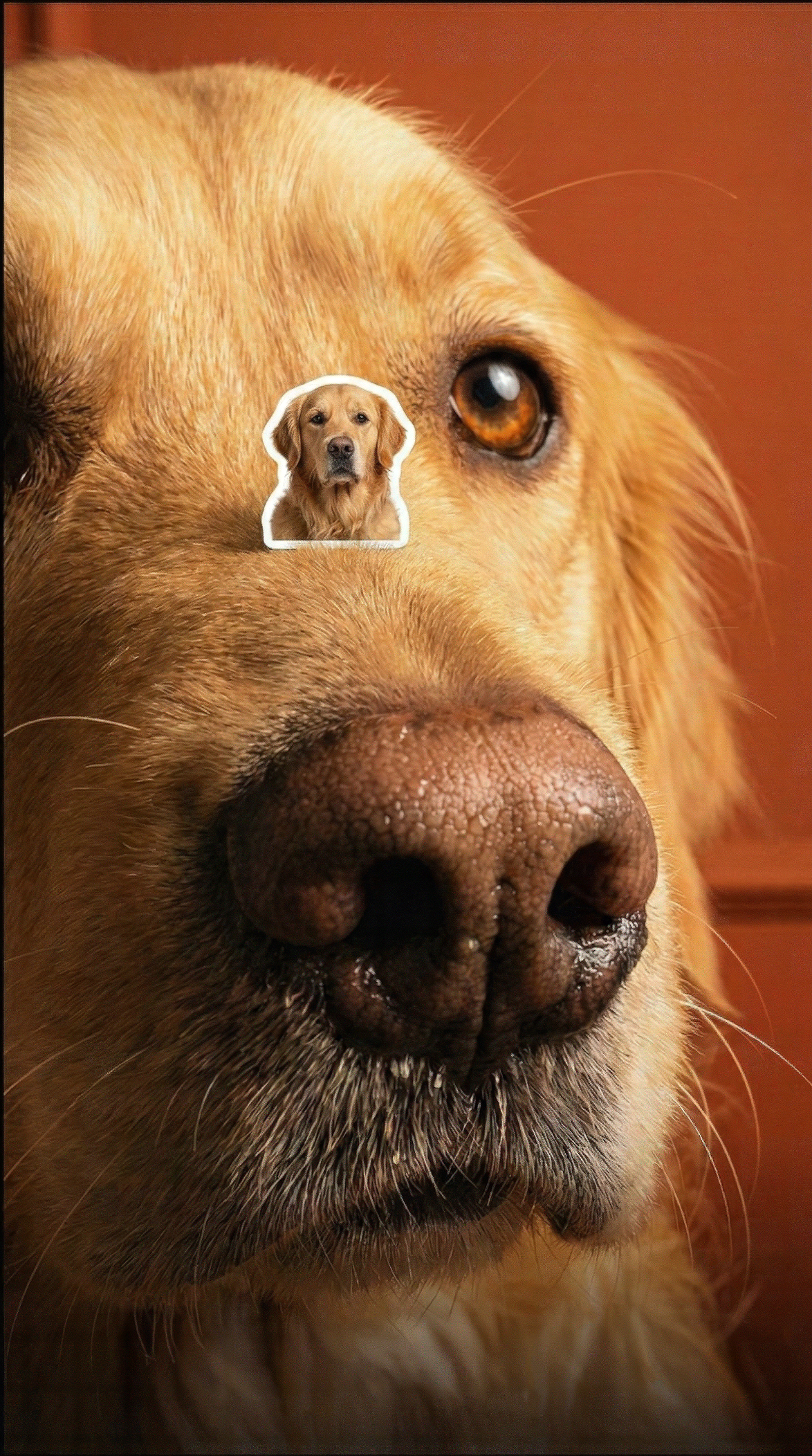
Before you upload, shrink the photo on your screen to the size the sticker will be and hold the phone at arm’s length. If you’d still pick it out as yours on a sheet full of other people’s dogs, the photo works.
Around 7 cm across is a good starting size for a laptop or a water bottle. Go bigger if the thing that makes your pet recognisable is small, like one ear that never stands up.
Matte suits fur best. Holographic is for the cat that already thinks it’s royalty.
Checking the proof
The proof shows the cut line around your pet before you order, so look closely at the ears and the tip of the tail. If something has been clipped, re-crop the photo and upload it again. If it looks wrong and you can’t work out why, ask us before you order.
One sticker of your dog is a normal order, since there’s no minimum.
FAQ
My iPhone photo won’t upload. What’s wrong?
It’s probably saved as HEIC, the iPhone’s default format. Go to Settings, then Camera, then Formats, and choose Most Compatible. New photos will save as JPG from then on.
Can I add my pet’s name?
Yes. Add it in any editor before you upload (Canva works fine) and make the letters bigger than feels necessary, because thin script fonts disappear at sticker size.
Can I use a photo of a pet that’s no longer around?
Yes, and plenty of people do. Use the sharpest photo you have, even if the pose isn’t the one you’d choose. A scan of a printed photo works too.
Can I put two pets on one sticker?
Only if they’re touching in the photo. Two pets at opposite ends of the sofa give you one very strange outline, so make two stickers instead.
Make one
Upload the photo where they look most like themselves and make your pet custom sticker.
 Staff
Staff